








WriteAlt Launches MCP Server: Bring AI-Powered Alt Text Directly Into Your AI Workflows
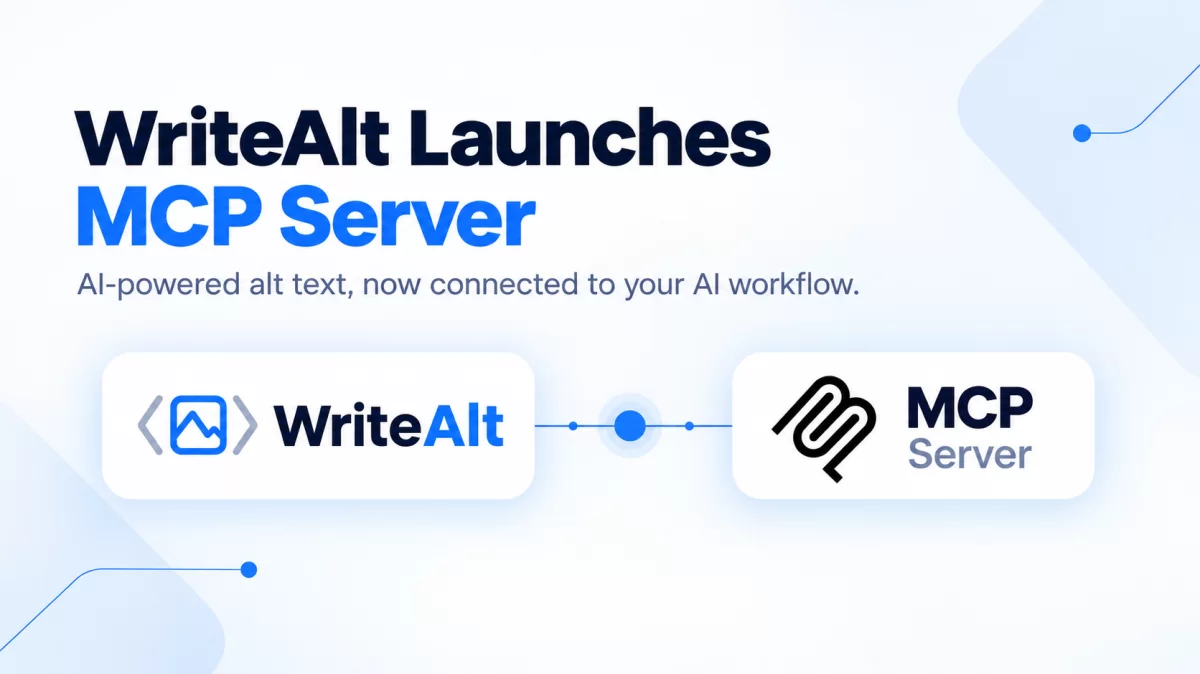
We’re excited to introduce a new way to use WriteAlt: the WriteAlt MCP Server.
As AI assistants and developer tools become a bigger part of everyday workflows, we wanted to make it easier to bring image accessibility and SEO into those workflows too.
With our new MCP Server, developers can connect WriteAlt with compatible AI tools and assistants, allowing AI-powered workflows to use WriteAlt's image alt text capabilities without requiring a separate manual step every time an image needs descriptive alt text.
What Is MCP?
MCP, or Model Context Protocol, is a standard that allows AI applications to connect with external tools and services.
Instead of keeping an AI assistant isolated from the tools you use, MCP makes it possible to give that assistant access to specific capabilities.
For developers, this means AI can become more useful by working with the services and tools that are already part of their workflow.
With the WriteAlt MCP Server, one of those capabilities is AI-powered image alt text generation.
Meet the WriteAlt MCP Server
WriteAlt is built to help websites, developers, marketers, and businesses create useful alternative text for images.
Our platform makes it easier to generate descriptive alt text for images while supporting accessibility, SEO, and multilingual content.
Now, with the WriteAlt MCP Server, developers can bring these capabilities directly into their AI-powered workflows.
Instead of switching between different applications, uploading images manually, generating descriptions, and copying the results back into a project, an MCP-compatible AI workflow can interact with WriteAlt as part of the process.
Why Does the WriteAlt MCP Server Matter?
Images are an important part of modern websites and digital products, but image accessibility can easily be overlooked.
An image without useful alt text can make content less accessible to people using screen readers and other assistive technologies. At the same time, meaningful image descriptions can help provide additional context for search engines and AI systems.
WriteAlt helps turn images into useful, descriptive text.
Our new MCP Server makes it easier to bring that capability into the tools developers and AI users are already working with.
Build Accessibility Into Your AI Workflow
Imagine you're building a website with an AI coding assistant.
You add several product images to a page. Instead of stopping your workflow to open another application, upload each image, generate alt text, and copy the results back into your code, you can use an MCP-compatible workflow to connect your AI assistant with WriteAlt.
This creates a more connected workflow:
Image ? AI workflow ? WriteAlt ? Alt text ? Your project
Rather than treating accessibility as something to fix later, alt text can become part of the content and development process from the beginning.
Designed for Developers
WriteAlt already provides tools and integrations that developers can use to generate AI-powered alt text.
The MCP Server provides another way to connect WriteAlt with modern AI tools.
This is particularly useful for developers who are already using AI assistants and MCP-compatible environments as part of their daily workflow.
Instead of building a separate integration from scratch, the MCP approach allows WriteAlt to become a tool that your AI workflow can work with.
AI-Powered Alt Text for Modern Websites
Good alt text should describe the important information contained in an image while remaining useful and relevant to the surrounding content.
For businesses, this can be especially important across:
E-commerce product images
Blog and editorial images
Marketing websites
Documentation
Landing pages
Web applications
Large image libraries
When teams manage hundreds or thousands of images, creating useful alt text manually can become a time-consuming task.
AI can help automate that process, while the MCP Server makes it easier to incorporate WriteAlt into AI-powered workflows.
Multilingual Image Accessibility
Modern websites often serve audiences around the world.
That means accessibility and image descriptions may need to work across multiple languages.
WriteAlt supports multilingual alt text generation, helping businesses and developers create image descriptions for international websites and content.
With MCP, these capabilities can become part of broader AI workflows where content creation, localization, development, and accessibility work together.
Accessibility Meets AI Search
Alt text has traditionally been associated with web accessibility, and it remains an important part of making websites more inclusive.
But the role of image descriptions is becoming increasingly interesting as AI changes how people discover and interact with online content.
AI-powered search and assistants need context to understand the content of a webpage.
Meaningful text surrounding an image, including useful alt text where appropriate, can provide additional context about what that image represents.
This is one reason we're focused on making image accessibility easier to integrate into modern AI workflows.
Reduce Manual Work With Connected AI Tools
One of the biggest benefits of connecting specialized services to AI workflows is reducing unnecessary context switching.
Developers shouldn't have to leave their workflow every time they need a specialized capability.
With the WriteAlt MCP Server, alt text generation can become part of a larger AI-powered process.
For example, an AI development workflow could:
Identify an image that needs alt text.
Connect with WriteAlt through MCP.
Generate an appropriate image description.
Review the generated result.
Add the alt text to the relevant project content.
The exact workflow will depend on the AI tools and environment you're using, but the idea is simple: bring WriteAlt closer to where you already work.
Built for the Future of AI-Powered Development
AI assistants are becoming increasingly capable because they can work with external tools and services.
MCP is helping make that possible by providing a standard way for AI applications to interact with tools.
The WriteAlt MCP Server brings image accessibility into this growing ecosystem.
Whether you're building a website, managing an e-commerce catalog, creating documentation, or developing an AI-powered application, our goal is to make it easier to include better image descriptions in your workflow.
Better workflows. Better accessibility. Better image SEO.
That's what we're building with WriteAlt.
How to Install the WriteAlt MCP Server
Ready to connect WriteAlt to your AI workflow?
We've created a dedicated MCP integration page with the information you need to get started.
Install the WriteAlt MCP Server
Visit the page to learn how to install and configure the WriteAlt MCP Server and connect WriteAlt with your MCP-compatible AI tools.
Get Started With WriteAlt MCP
The WriteAlt MCP Server gives developers another way to bring AI-powered alt text generation directly into their existing workflows.
Instead of treating accessibility as a separate task, you can make it part of the way you build, manage, and optimize digital content.
Ready to get started?
Go to the WriteAlt MCP Server page and install it
Bring WriteAlt into your AI workflow and make image accessibility a natural part of your development process.