



Generate asset alt text
Create useful, descriptive alt text for Craft CMS assets and save the result directly to the asset workflow.
Website integrations
WordPress Shopify WooCommerce Wix Squarespace DatoCMS Craft CMS DrupalCloud integrations
Pinterest Google Drive DropboxDesktop apps
Windows LinuxBrowser extensions
Chrome Extension Firefox Add-on Edge ExtensionDeveloper tools
Visual Studio Code APIGenerate useful alt text for Craft CMS assets, process image libraries in bulk, and optimize files for faster, more accessible websites.
A WriteAlt account and API key are required for AI generation.
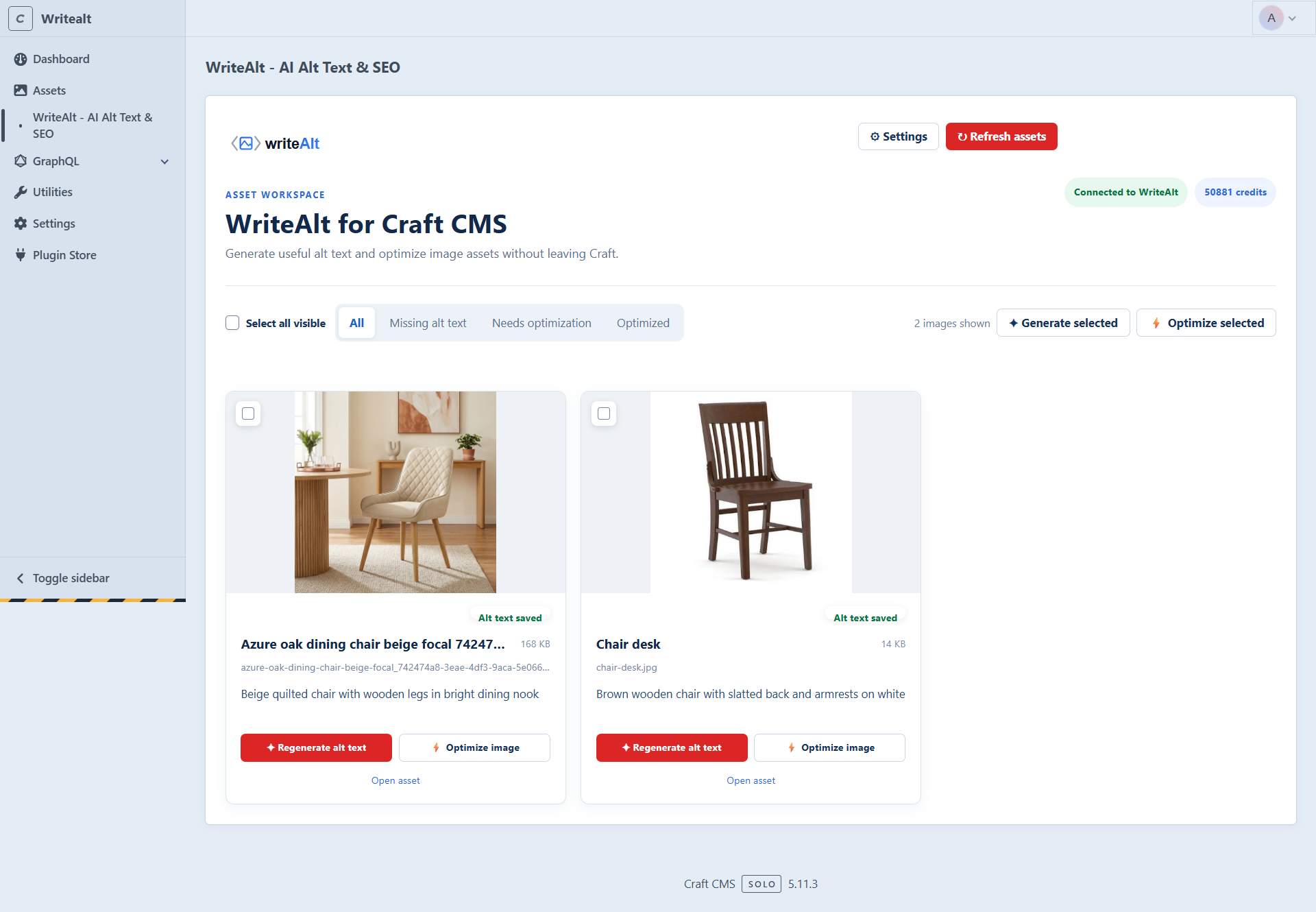
Keep image accessibility and file performance in the Craft control panel while your team manages the asset library.
Create useful, descriptive alt text for Craft CMS assets and save the result directly to the asset workflow.
Select visible assets or work through the library in batches when a site needs a larger accessibility pass.
Filter assets that need alt text and review saved descriptions before publishing them on your site.
Use 130+ languages and five generation styles to match the audience and content standards of each project.
Convert supported image assets to WebP and reduce file weight for a faster content experience.
Set an optimization threshold and improve oversized assets without leaving the Craft CMS admin.
Connect WriteAlt in Craft CMS, choose your defaults, and keep image metadata work beside the assets your team already manages.
Add WriteAlt from the Craft Plugin Store and open the plugin from your Craft control panel.
Add your API key and choose the language, generation style, SEO keywords, and optimization threshold.
Load the Craft asset library, filter missing alt text, and select the images you want to process.
Save descriptive alt text to Craft assets, then convert or compress files that need attention.
Review the Craft asset workspace and the plugin settings used to control generation and optimization.
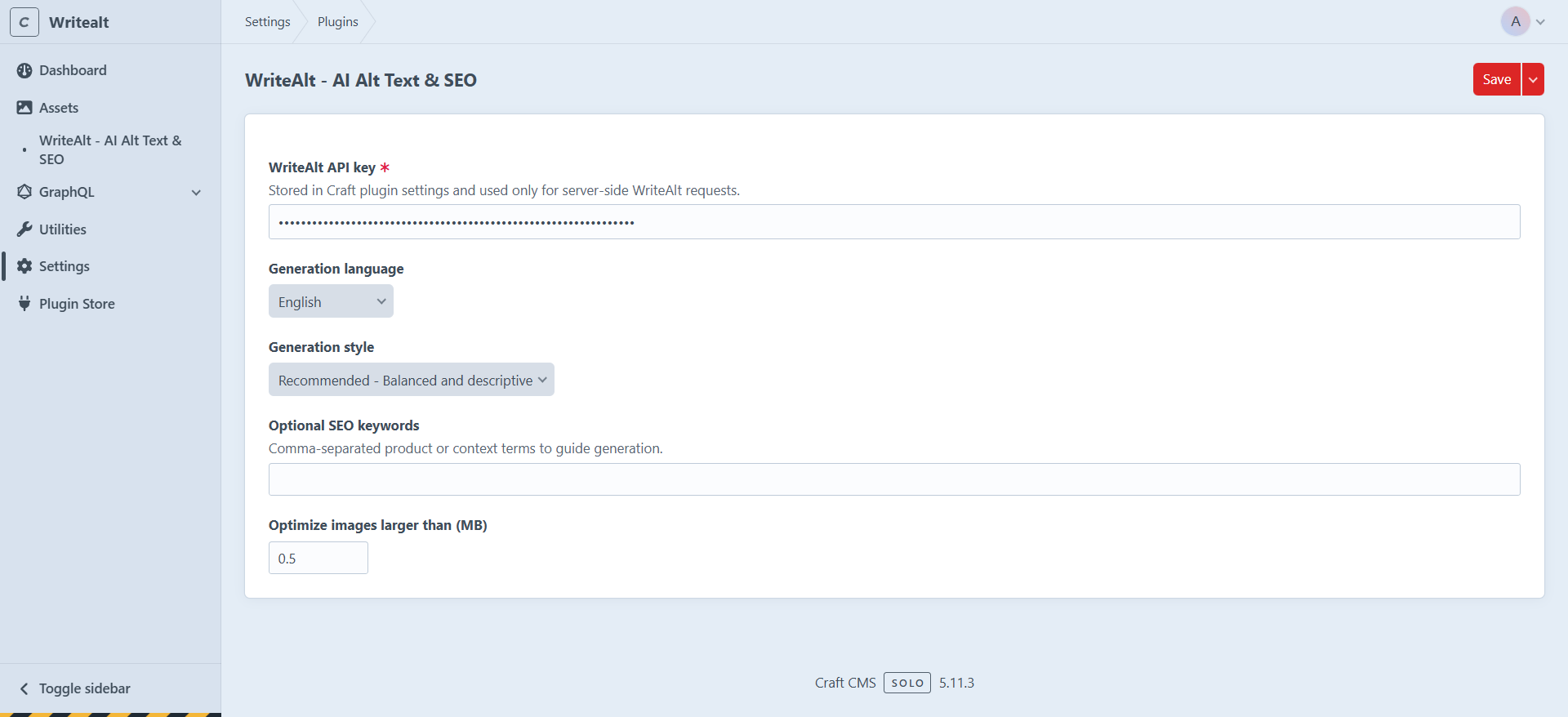
Here are the details most teams check before getting started.
WriteAlt works in the Craft control panel asset workflow, so your team can generate alt text and optimize files while managing the asset library.
Yes. Select visible assets or process a larger group from the asset workspace instead of handling every file one at a time.
Yes. Supported assets can be converted to WebP and compressed from the WriteAlt optimization workflow.
Yes. WriteAlt supports 130+ languages, five writing styles, and optional SEO keywords for more focused descriptions.
Generate alt text, improve image SEO, and keep your existing workflow moving.