

Generate alt text in bulk
Create clear, descriptive alt text for product images across your Squarespace site in one workflow.
Website integrations
WordPress WooCommerce Shopify Wix Squarespace DatoCMSCloud integrations
Pinterest Google Drive DropboxDesktop apps
Windows LinuxBrowser extensions
Chrome Extension Firefox Add-onDeveloper tools
APIGenerate accessible alt text for Squarespace product images in bulk, optimize your catalog for SEO, and convert large files to WebP or AVIF.
A WriteAlt account and API key are required for AI generation.
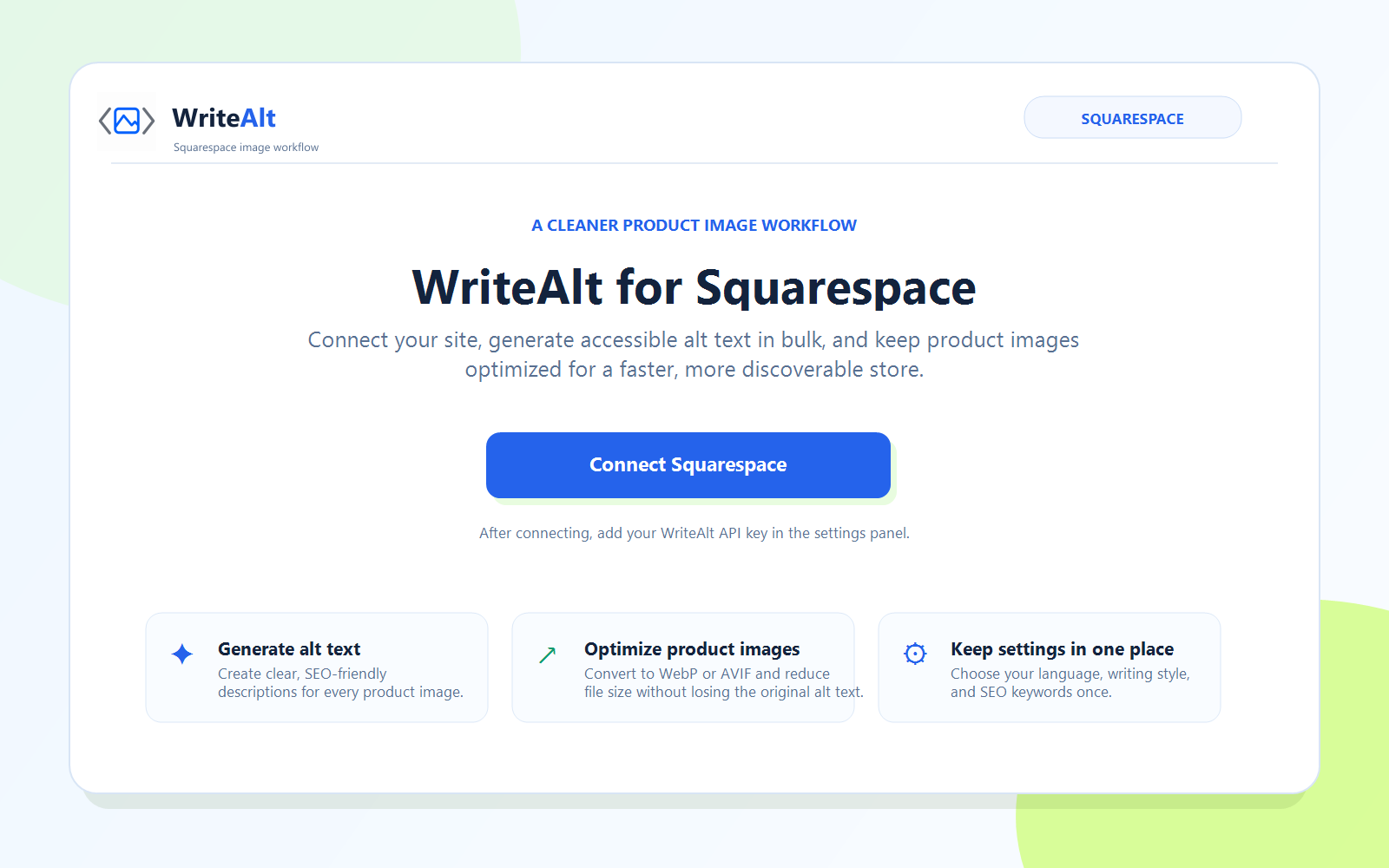
Connect your Squarespace site to WriteAlt and manage product-image descriptions, SEO keywords, and image performance from one focused dashboard.
Create clear, descriptive alt text for product images across your Squarespace site in one workflow.
Convert supported images to WebP or AVIF and improve file efficiency without losing the image metadata you need.
Replace an original image safely while keeping its saved alt text available to your product workflow.
Set the language and generation style that match your store, audience, and publishing needs.
Give WriteAlt product context with optional keywords so generated descriptions stay focused and useful.
Reduce oversized product images with high-quality compression for a lighter, faster catalog.
Connect your site once, choose your defaults, and work through product media in a repeatable workflow.
Open the WriteAlt Squarespace dashboard and connect the site you want to manage.
Set the language, generation style, SEO keywords, and image optimization preferences.
Load your site products, identify images that need alt text, and select the items to process.
Save descriptions to product images, then convert or compress the files that need attention.
Start with the connection screen, then see the Squarespace dashboard for bulk alt text and product image optimization.
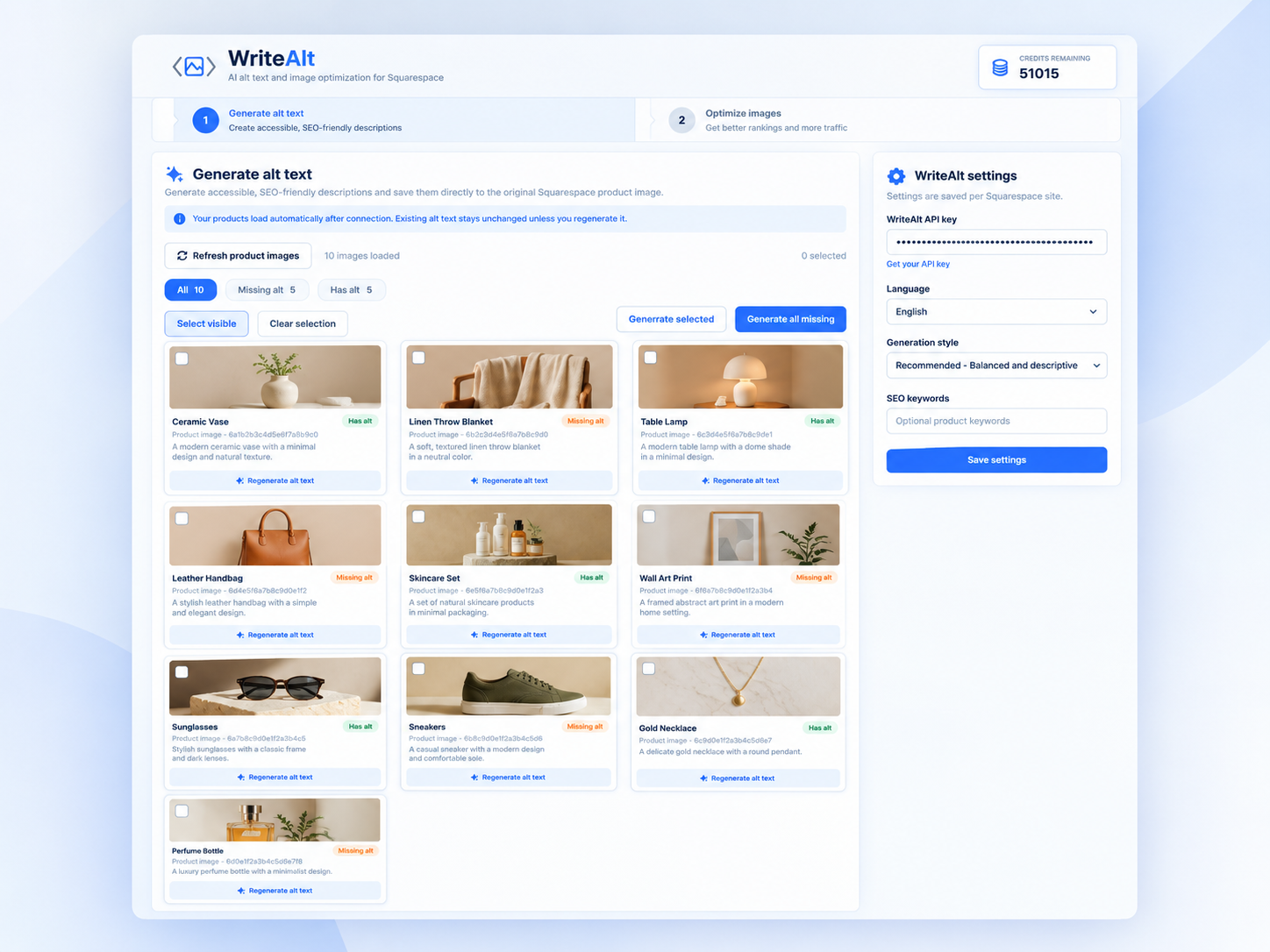
Here are the details most teams check before getting started.
Yes. The Squarespace workflow is designed for product images, with bulk generation and image optimization from the connected dashboard.
Yes. You can review your site products and process product images in bulk instead of handling every image one by one.
Yes. Supported product images can be converted to WebP or AVIF and compressed while preserving the alt text associated with the original image.
Yes. Choose from the available languages and generation styles, and add optional SEO keywords for more focused descriptions.
Generate alt text, improve image SEO, and keep your existing workflow moving.