









Import local images
Bring files from your computer into a workspace you can sort by folder.
Website integrations
WordPress Shopify WooCommerce Wix Squarespace Framer DatoCMS Craft CMS Drupal Joomla Emdash HubSpot CMS Bubble ContentfulCloud integrations
Pinterest Google Drive DropboxDesktop apps
Windows LinuxBrowser extensions
Chrome Extension Firefox Add-on Edge ExtensionDeveloper tools
Visual Studio Code API MCP ServerAutomation
Zapier n8nGenerate alt text, organize local images, scan websites, optimize file formats, and export SEO-ready CSV records from your Windows desktop.
A focused Windows desktop workspace for image metadata.
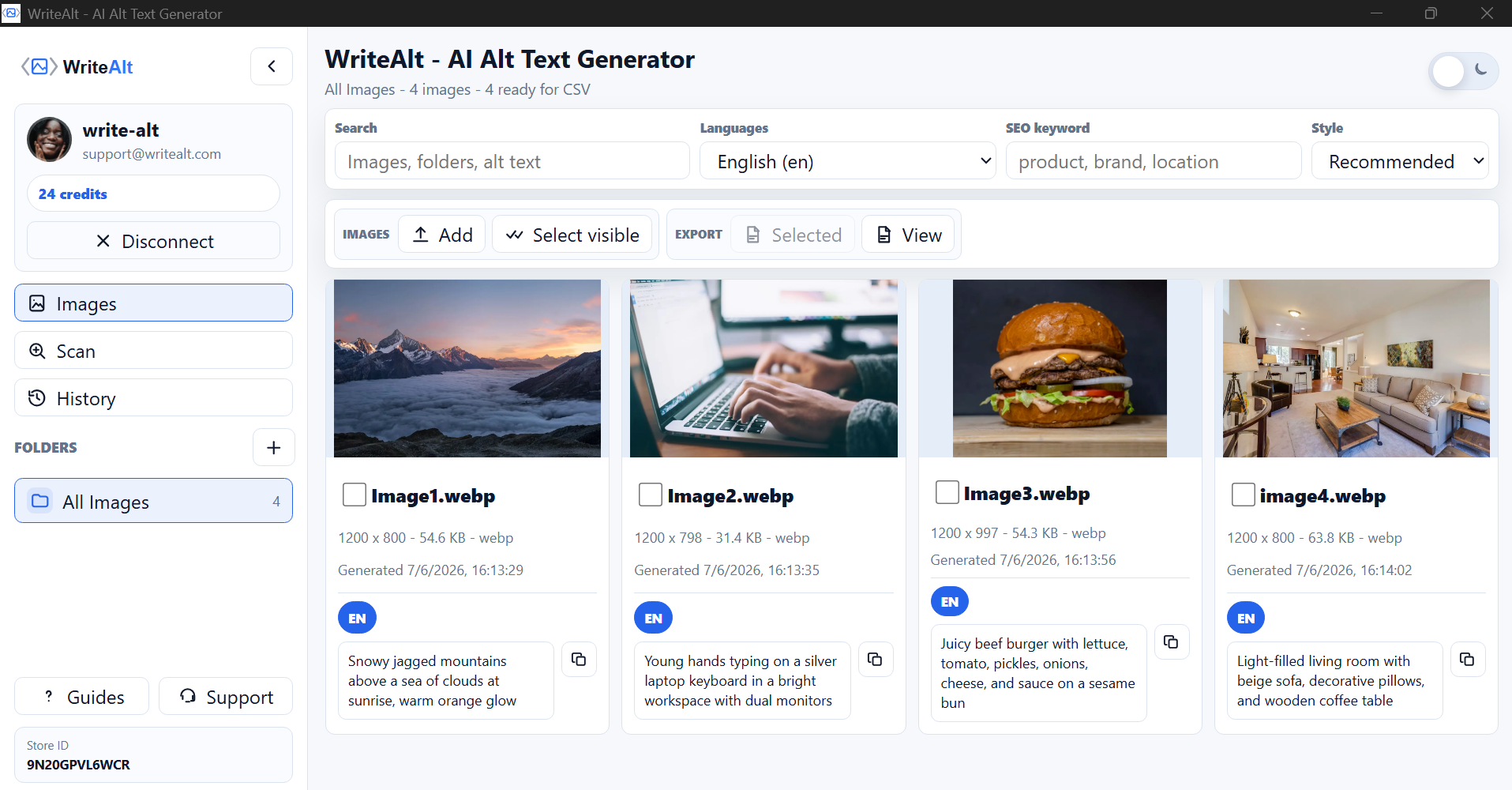
Open WriteAlt on your Windows desktop and keep image importing, generation, optimization, and export in one place.
Download the current desktop app from the Microsoft Store.
Keep local folders, website scans, generated text, and exports together in one desktop workspace.
Bring files from your computer into a workspace you can sort by folder.
Select several images and create descriptions with your chosen language and style.
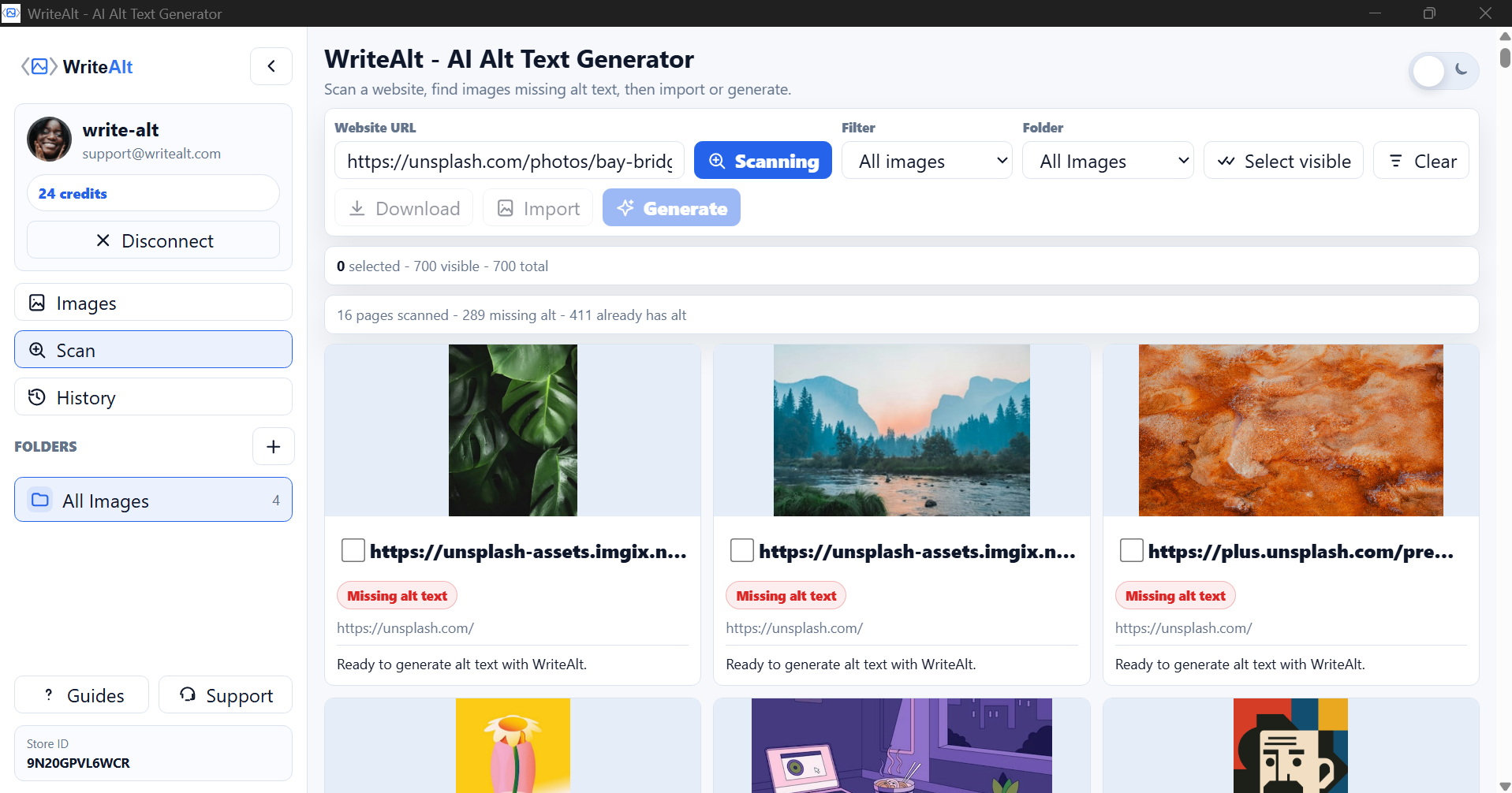
Find images without alt text and import the ones you want to work on.
Download image names, folders, and generated alt text for a website or client project.
Compress images and convert supported formats for a smaller, tidier library.
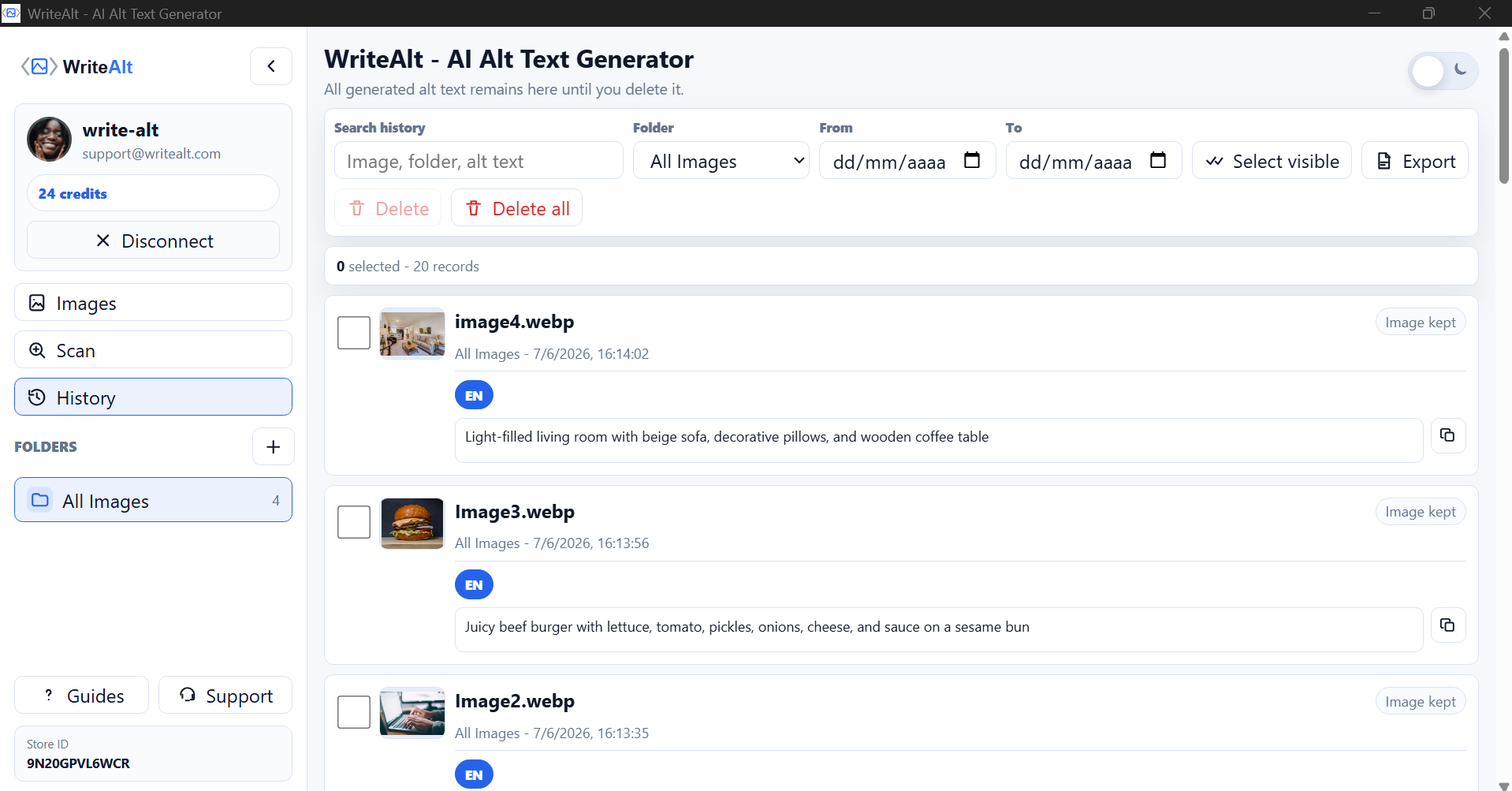
Return to previous results and export the records when the website work is ready.
Work with the files on your computer, then export a clean record for your website or client project.
Add local images or scan a website to find assets that need alt text.
Use folders and image selection to keep each project together.
Create alt text, convert formats, compress files, and prepare clearer names.
Check the results in History, then export the metadata as a CSV.
See the local image workspace, website scanner, and saved generation history in the Windows app.
Here are the details most people check before getting started.
Yes. Export image names, folders, and generated alt text as a CSV for your website, store, blog, or client project.
Yes. Scan a website, find images without alt text, and import the selected images.
Yes. Images and History can export records for websites, stores, blogs, and client projects.
Generate alt text, improve image SEO, and keep your desktop workflow moving.