








Blog
Practical ideas for accessible images, better SEO, and a smoother workflow.
 Featured
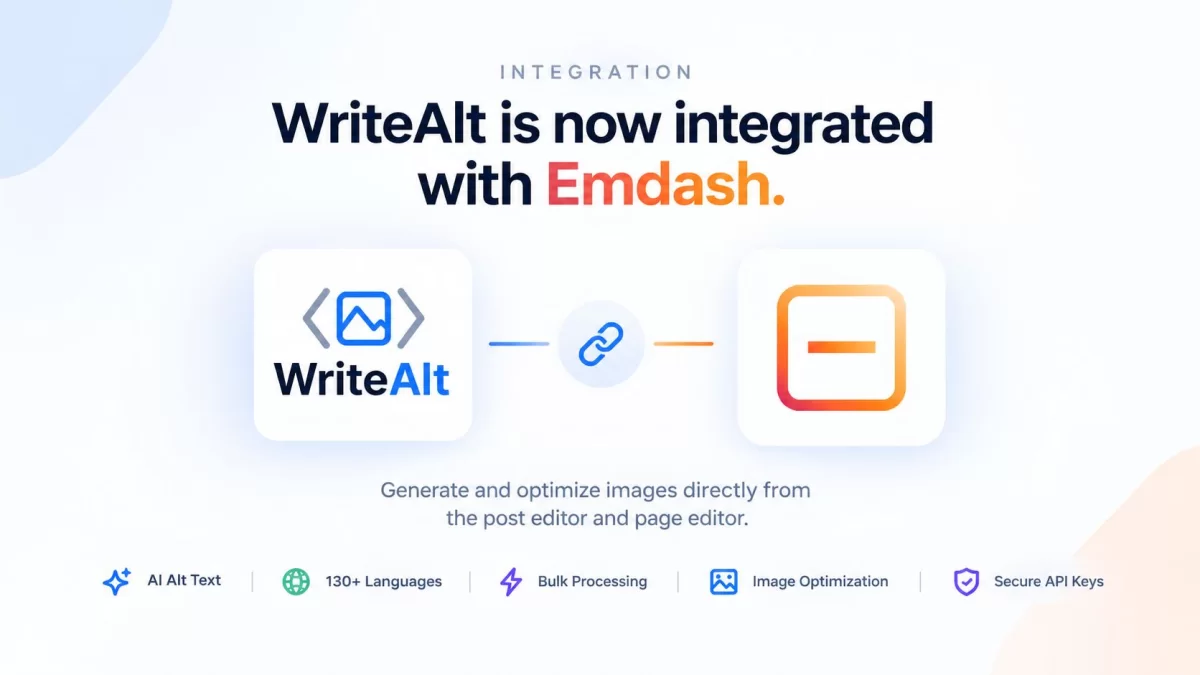
EmDash 1.0: AI Alt Text and Image SEO with WriteAlt
Discover EmDash 1.0 and learn how WriteAlt brings AI alt text, bulk image processing, WebP conversion, and image SEO to the new Astro-first CMS from Cloudflare.
Read Full Article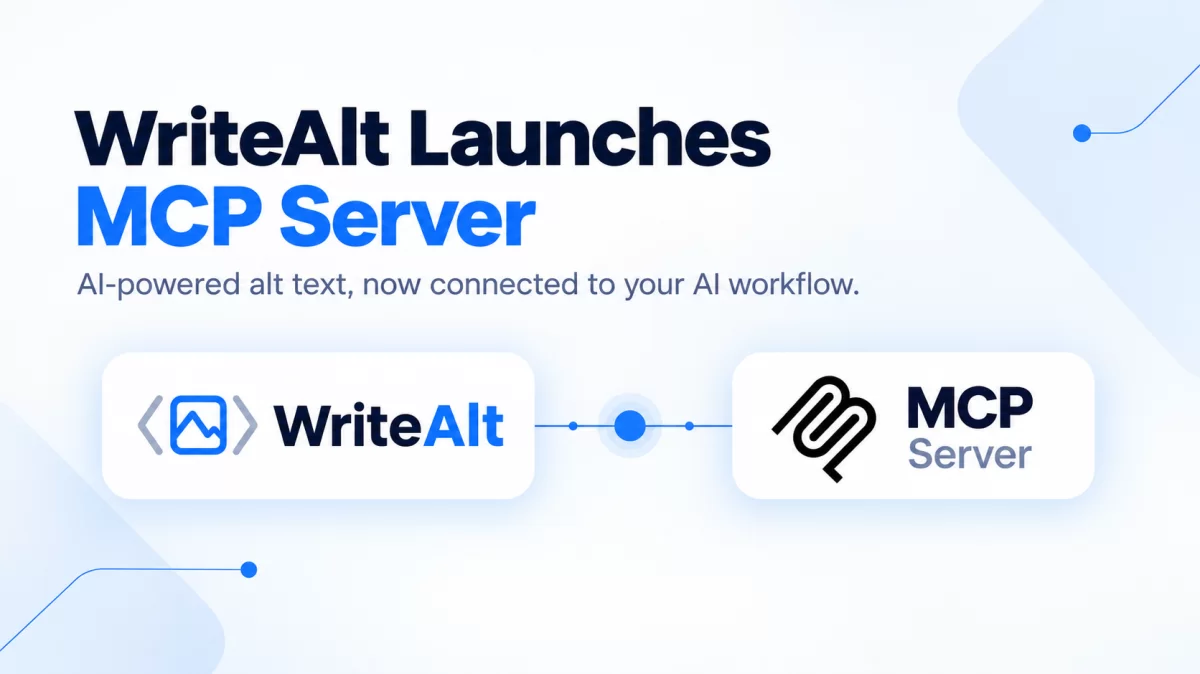 SEO Optimization
WriteAlt Launches MCP Server: Bring AI-Powered Alt Text Directly Into Your AI Workflows
WriteAlt now offers an MCP Server, making it easier to bring AI-powered alt text generation into AI assistants, developer tools, and automated workflows. Connect WriteAlt to your MCP-compatible tools and generate accessible, SEO-friendly image descriptions without leaving your existing workflow.
 WriteAlt Guides
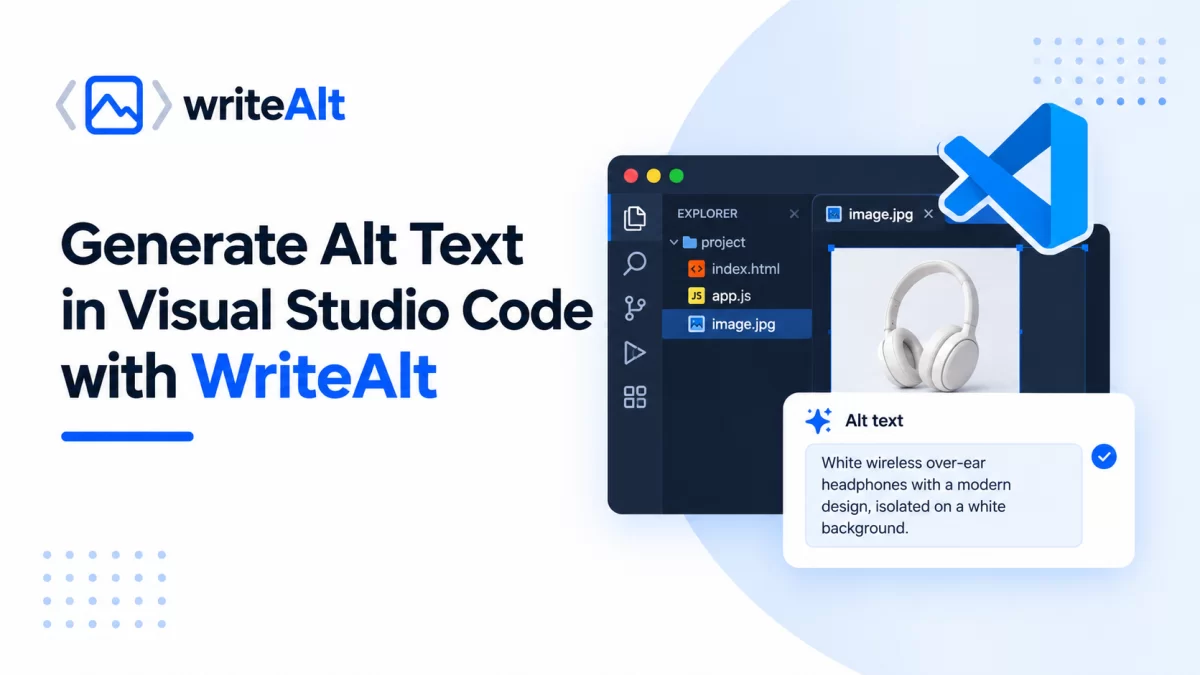
Generate Alt Text in Visual Studio Code with WriteAlt
WriteAlt brings AI-powered alt-text generation directly into Visual Studio Code. Generate descriptions from HTML image references, save them automatically, and choose from 138 supported languages and multiple writing styles.
 WriteAlt Guides
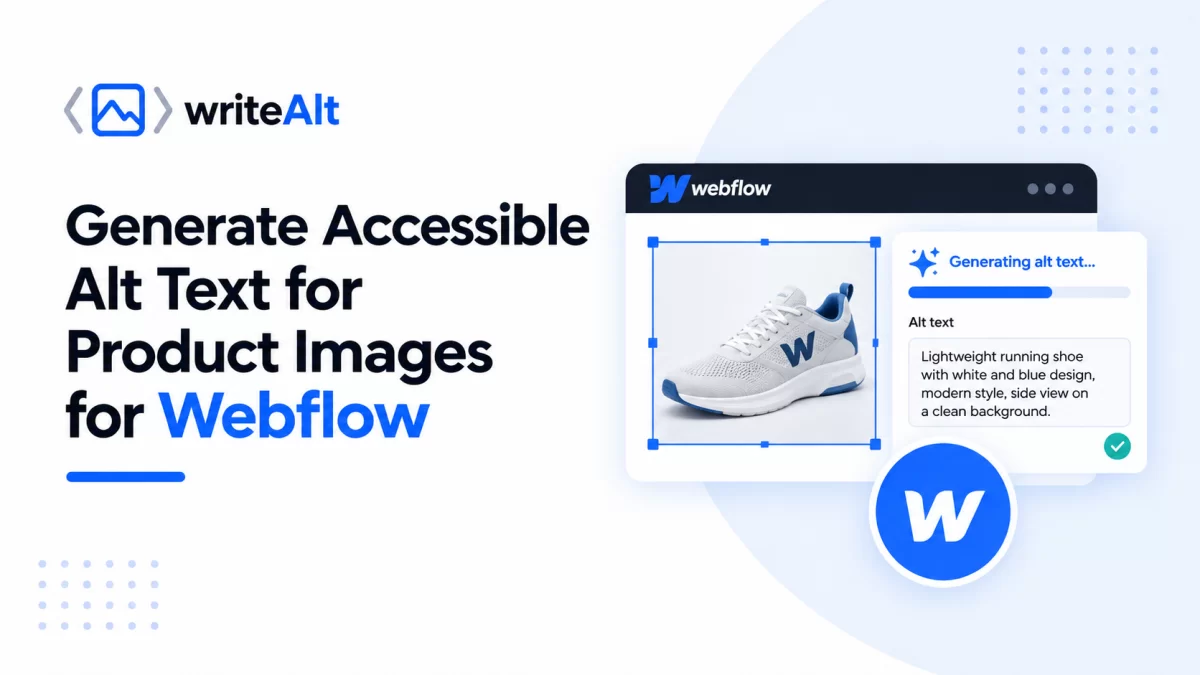
WriteAlt for Webflow: Generate Accessible Alt Text for Product Images
Generate accurate alt text for Webflow images with AI, process product catalogs in bulk, and save descriptions directly to your Webflow assets.
 WriteAlt Guides
How to Optimize WooCommerce Product Images with WriteAlt
Generate AI-powered alt text for WooCommerce product images and galleries, improve image SEO, support accessibility, convert images to WebP, compress large files, and keep your store optimized directly from WordPress.
 WriteAlt Guides
Audit Website Images with the WriteAlt Firefox Add-on
Scan website images, find missing alt text, generate AI-powered descriptions in 130+ languages, and improve accessibility directly from Firefox with the WriteAlt Add-on.
 WriteAlt Guides
Generate AI Alt Text Directly in Google Chrome
Use the WriteAlt Google Chrome Extension to scan webpage images, find missing alt text, generate AI-powered descriptions in 130+ languages, and export results without leaving your browser.
 WriteAlt Guides
Getting Started with the WriteAlt Windows App
Learn how to install, connect, and use the WriteAlt Windows app to generate AI-powered alt text, scan websites for missing alt text, organize image projects, optimize images for SEO, and export results to CSV.
 WriteAlt Guides
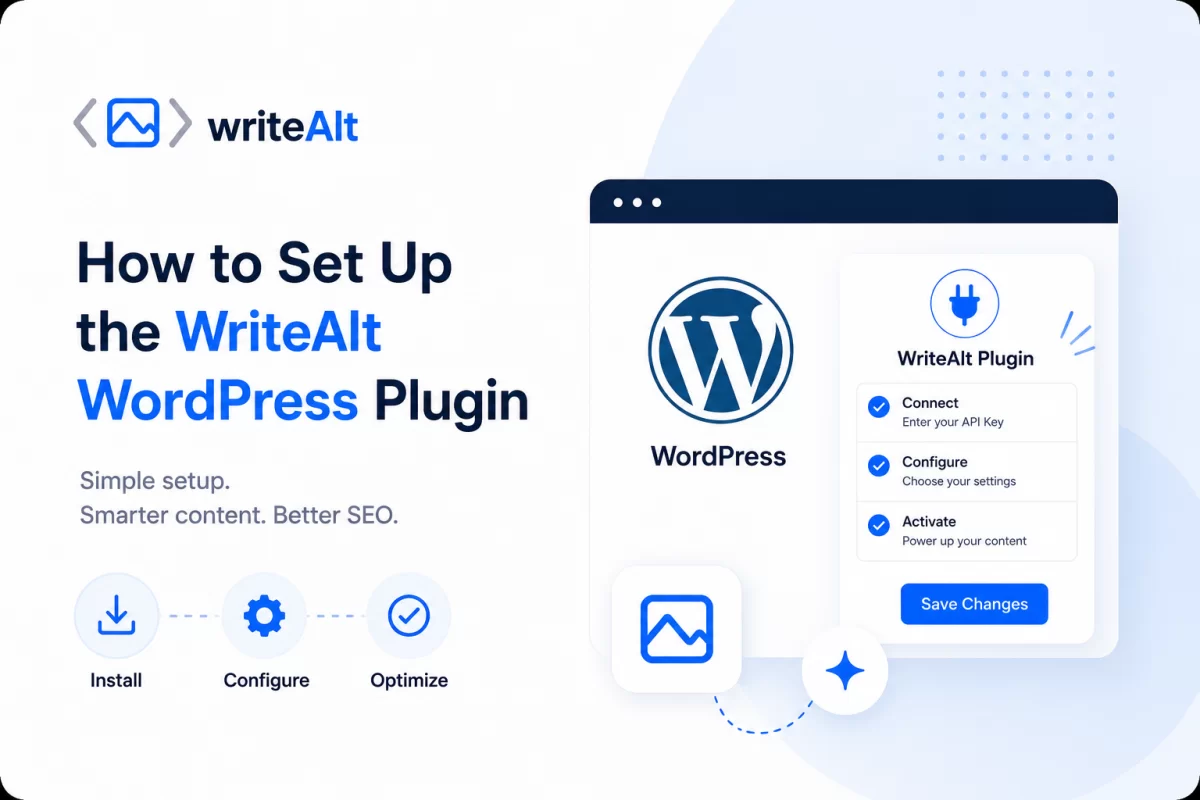
How to Set Up the WriteAlt WordPress Plugin
Install the WriteAlt WordPress plugin and connect it to your WriteAlt account. Get your API key, configure SEO tools, compress images, convert to WebP, and generate alt text for your entire media library in minutes.